Products I Use and Recommend
APPLE COMPUTERS
EXTERNAL DRIVES FOR TIME MACHINE BACKUPS AND COPIES OF IMPORTANT FILES
COMPUTER ACCESSORIES
IPADS - APPLE PENCIL - ACCESSORIES
AIRPODS PRO
APPLE WATCH
OFFICE SUPPLIES
Turn your Mac mini or laptop into a desktop by adding a 4K TV,
keyboard, and mouse
One of the best ways to improve your experience, productivity and creativity is to add a large 4K monitor to your workspace. I think a 32” (measured diagonally) 4K TV is the best option in terms of cost/size. A larger screen eliminates eye strain, allows you to have multiple windows open at the same time, and helps you move text, web links, photos, videos, and documents easily among them. It is such an enjoyable experience to edit your photos and videos on a big, colorful screen. The TV needs to have at least one HDMI port (2-3 HDMI ports would be better). A full size bluetooth keyboard (with Touch ID), and a bluetooth mouse are the basic needs. You’ll need a webcam to attach to your 4K TV monitor for Zoom or FaceTime videochats. If you have a limited number of ports on your Mac, connecting your peripherals to a USB-C hub makes it easy to move from a desktop setting to portable. Unplug one cable and you are on your way!
-
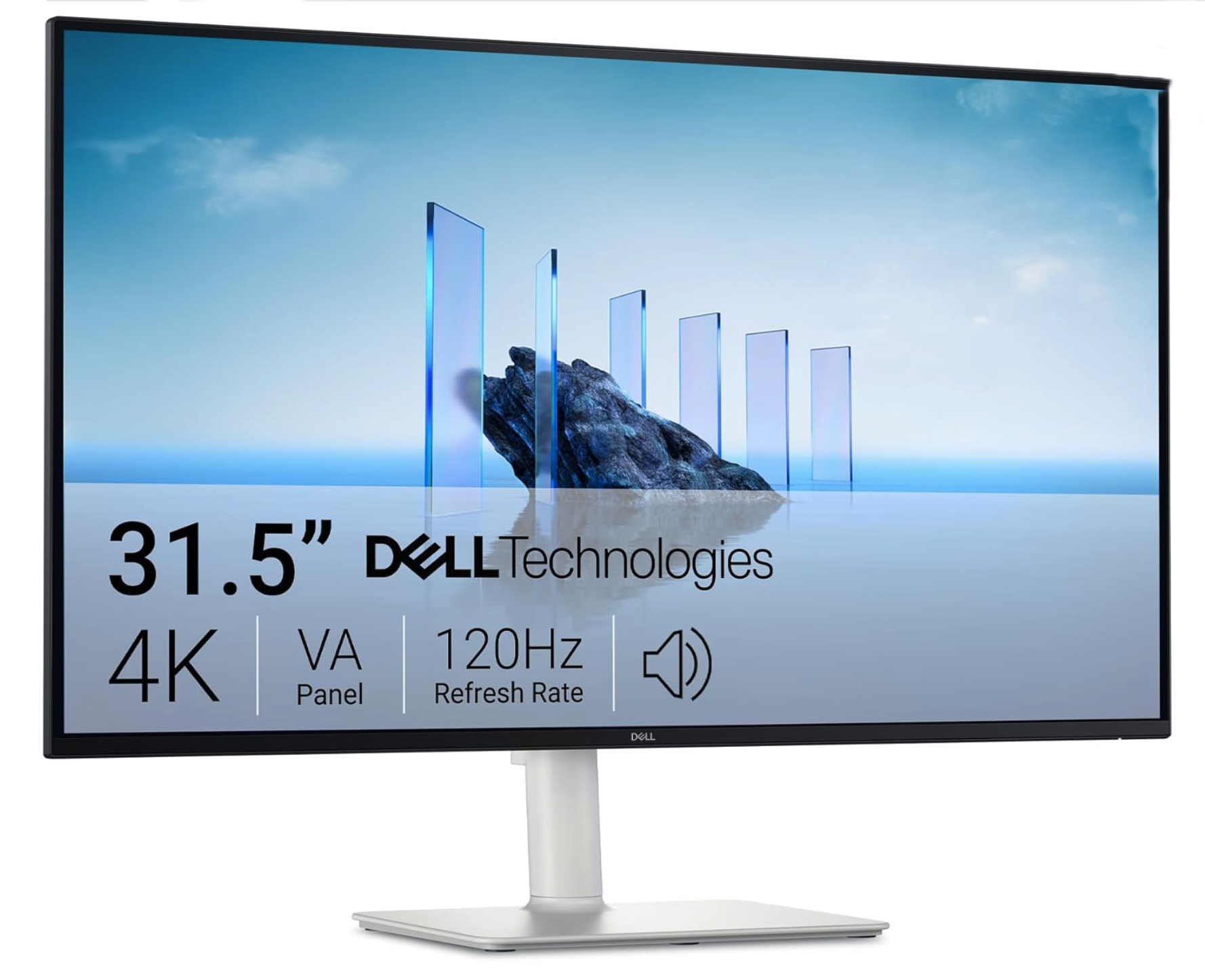
4K Television / Computer Monitor
You’ll need a monitor for your Mac mini. It can be attached to any of your existing TV screens in your home (most have at least one HDMI port). However, if you’d like to have a dedicated monitor, I’d recommend a 4K Television with a 32” - 55” screen. The Dell 32 Plus model S3225QS is the perfect size for a desktop and beautiful 4K (3840 × 2160 resolution) screen to work with your beautiful photos and videos.
If you own a MacBook Pro or MacBook Air, this 4K TV provides lots of room to work with multiple applications / windows in a large view that won’t strain your eyes.
-
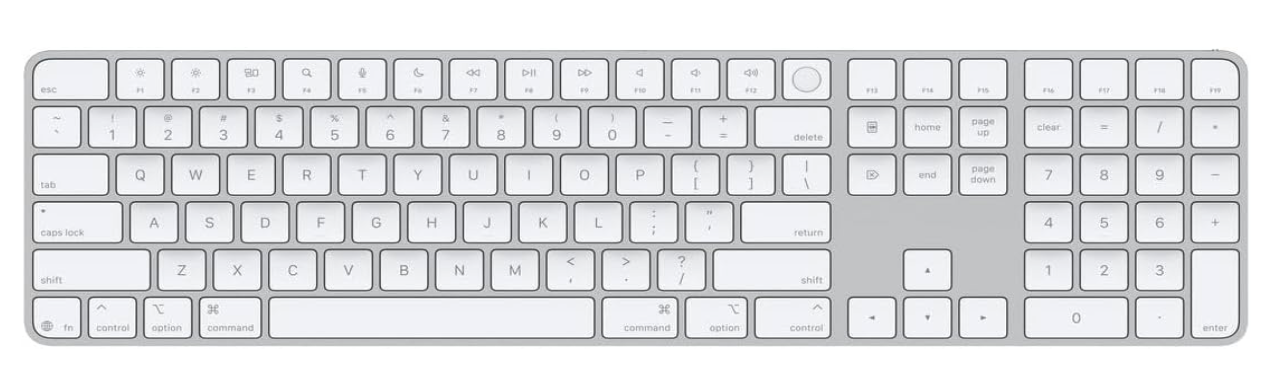
Apple Magic Keyboard with Touch ID and Numeric Keyboard
If you have a Mac with a Silicon chip (M1 - M5), then this full size keyboard will be compatible with it. This keyboard has a Touch ID button to make it easy to authenticate settings, online purchases, etc. I find it faster to type on the full size keyboard and the numeric keyboard makes it easier to work with accounting and spreadsheet data entries.
-
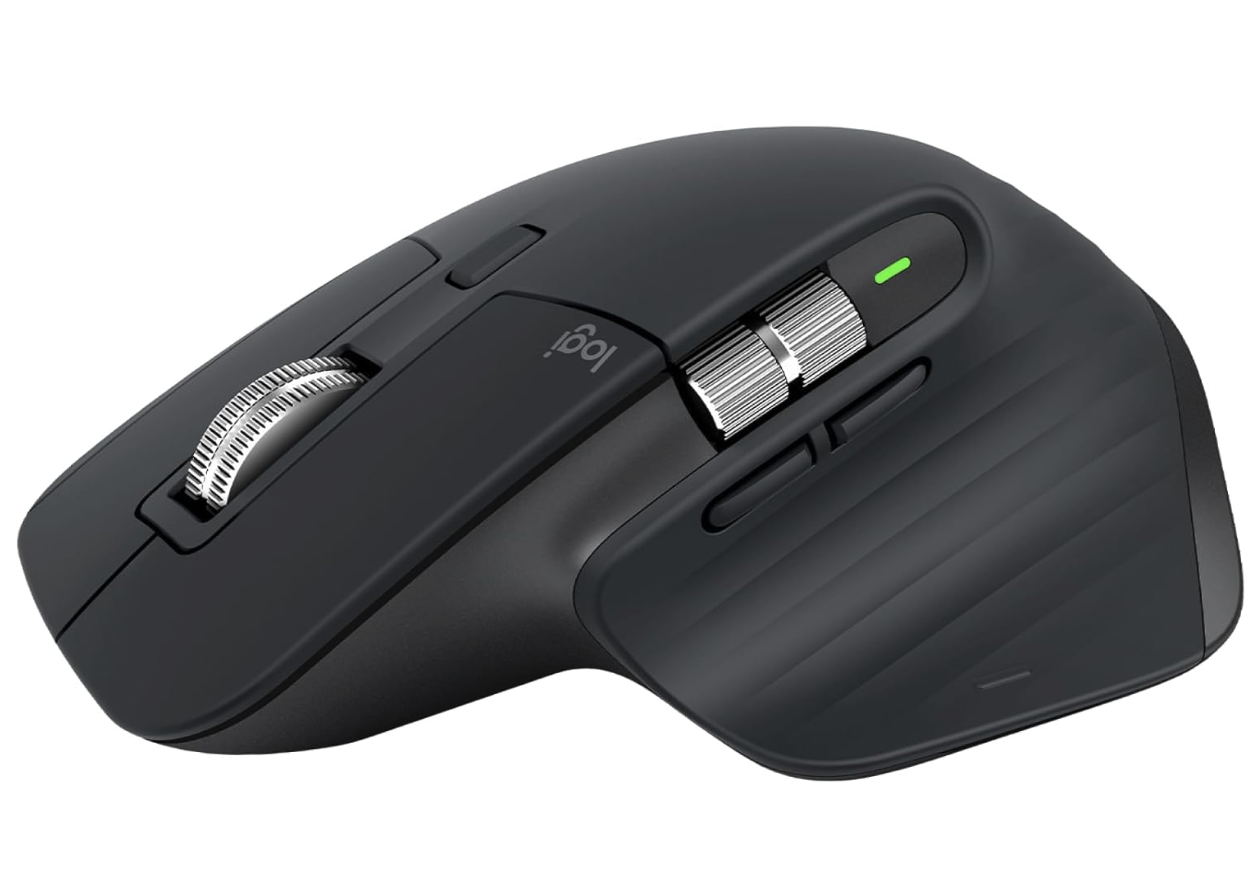
Logitech MX Master 3s Mouse
The Logitech MX Master 3S is the most comfortable, responsive and precise mouse I have ever used. It can connect with up to three devices and switch between them with the touch of a button. Speaking of buttons, there are many customizable buttons you can configure on this mouse. It is by far one of the most important tech tools on my desk.
-
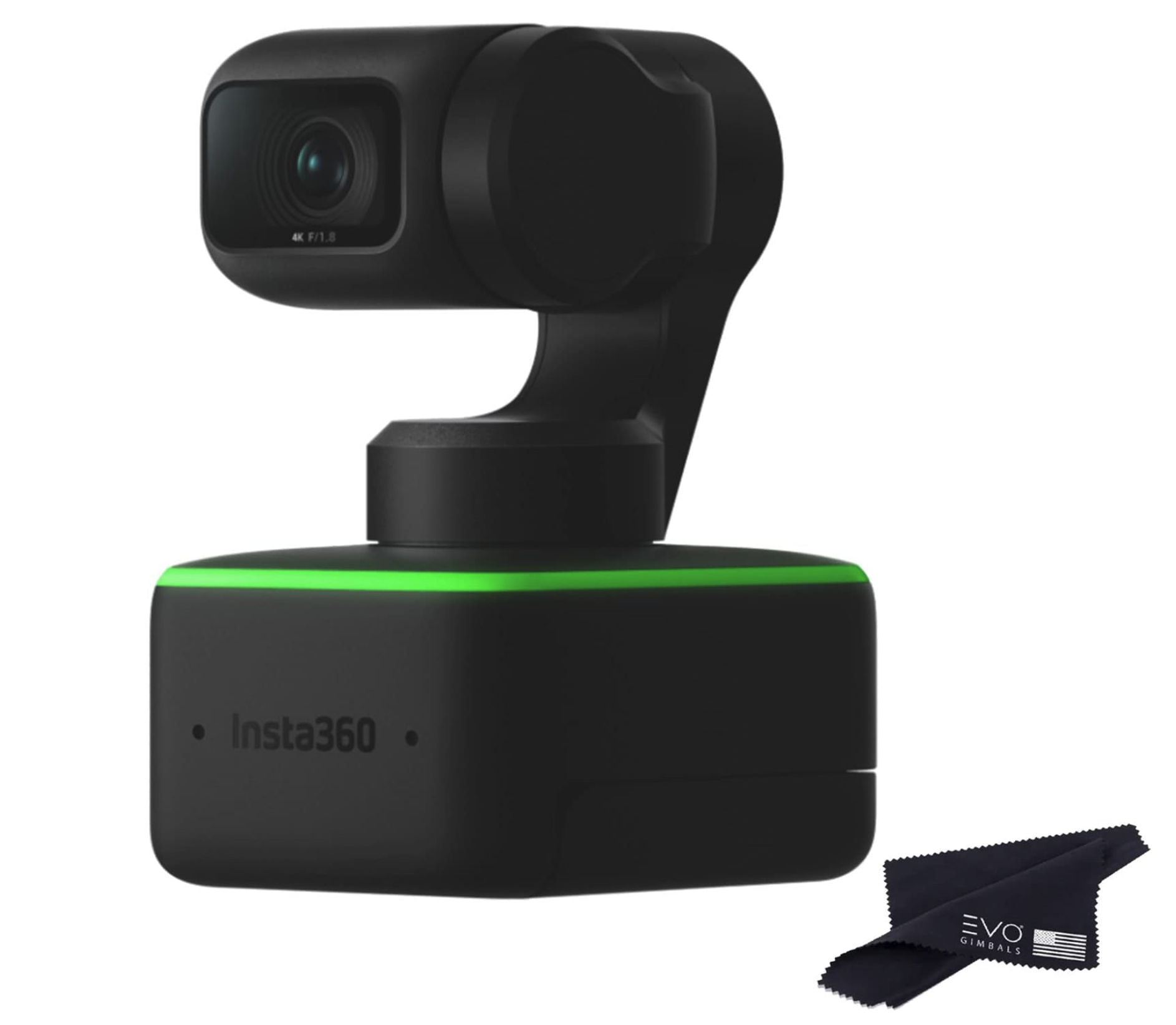
Insta360 Link - 4K Webcam
4K Resolution Ultra HD resolution for a crystal-clear picture. Link's impressive 1/2" sensor captures life-like detail and excellent dynamic range, while HDR mode perfectly balances the highlights and shadows in your image. Link shoots in totally uncropped 9:16 by rotating its gimbal head, which is perfect for viewing on a phone. DeskView Mode Simply mount Link to your computer screen, toggle on DeskView mode and let it automatically adjust to show your tabletop.
-
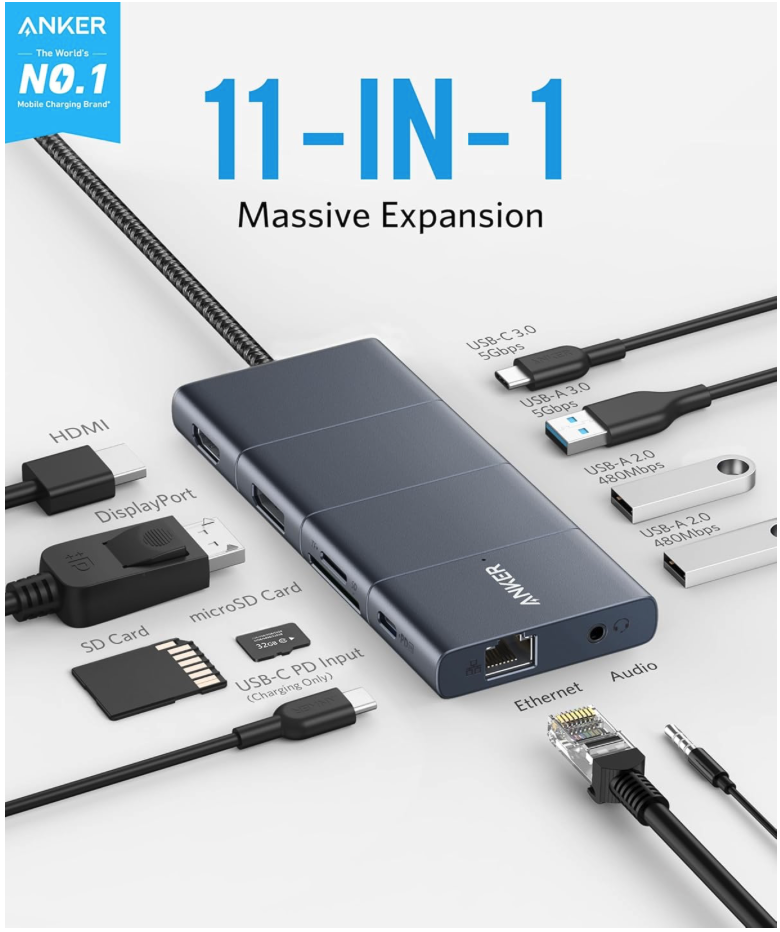
Anker USB-C Hub, 11-in-1 Docking Station
Huge 11-Port Expansion: Equipped with a USB-C Power Delivery input port, an HDMI port, a DisplayPort, 1 USB-C data port, 3 USB-A ports, 1 Ethernet port, an AUX port, an SD card slot, and a microSD card slot.
Multi-Monitor Display: The HDMI port and the DisplayPort both support a single-monitor display of up to 4K@60Hz. Connect to both simultaneously to enjoy crystal-clear streaming or mirroring across 2 displays at up to 2K@60Hz.
Pass-Through Charging: Supports up to 100W (minus 15W for operation) pass-through charging so you can power up your laptop while accessing the hub’s other functions. Pass-through charging requires a charger (not included).
Transfer Files in Seconds: Connect your thumb drive or external hard drive to either the USB-C data port or the USB-A 3.0 port to transfer files at up to 5 Gbps. goes here
-
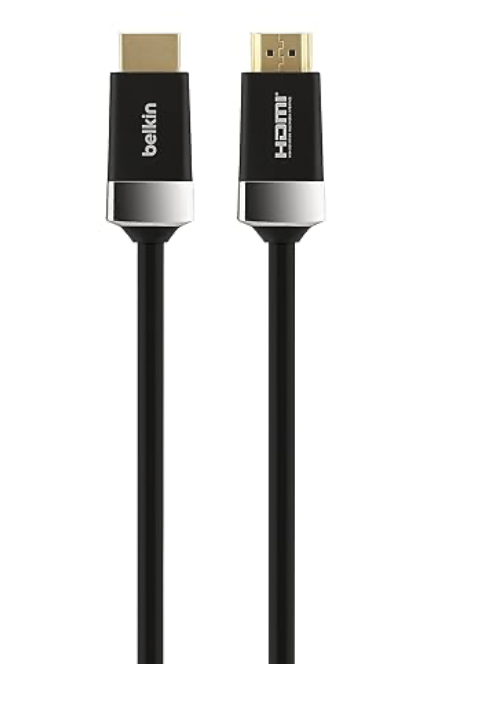
Belkin 6.6 ft. HDTV High-Speed DHMI Cable
VERSATILE CONNECTIVITY: With the Belkin HDTV High-Speed HDMI Cable, you can easily browse the internet, stream high-definition audio and video, share photos, and display presentations on your 4K TV, projector, or monitor without lag or interference.
BROAD COMPATIBILITY: Seamlessly connect your 3D/SmartTV equipment, Mac, MacBook, laptops, Ultrabooks, AV components, media players, and gaming consoles to your HDTV. Ideal for gaming, streaming, or home theater setups.
HDMI TO HDMI CONNECTION W/ 4-PIN MINI-DIN: Features an HDMI (male) to HDMI (male) connection, along with a 4-pin Mini-DIN connector, ensuring reliable, high-speed data transfer for enhanced picture quality and sound performance in all your devices.
TRIPLE SHIELDED FOR SIGNAL INTEGRITY: The cable is triple shielded to protect against interference and maintain signal quality, ensuring a stable, uninterrupted connection for crystal-clear video and audio, even in busy electronic environments.
SUPPORTS 4K & ULTRA HD RESOLUTIONS: Experience ultra-high-definition 4K and HDR content at optimal clarity, along with full compatibility for 3D video and a data transfer rate of 18Gbps, making it perfect for the latest home theater and gaming setups.