Products I Use and Recommend
Apple Products and Accessories
-

iPhone 17 Pro
The iPhone 17 Pro was launched in Sept 2025 with the A19 Pro chip and the all new iOS 26 operating system.
Apple switched back from a Titanium body to the Aluminum body with a Vapor Chamber to keep the iPhone from getting too hot.
The main reason in my opinion to choose the iPhone Pro model is for the camera features. 8x optical zoom, 24-48 megapixel rear cameras.
An all-new square sensor enables switching from portrait mode to landscape mode with a single tap on the screen.
The 18 MP Center Stage keeps you focused in the frame with a field of view that automatically expands when you are taking selfies with friends.
-

iPad Air 11-inch M3 chip
For your first iPad, the 11” iPad Air with the M3 chip offers the best value, in my opinion.
The newest iPad model released in Oct 2025 is the iPad Pro with the M5 chip, available in 11-inch and 13-inch sizes.
Whichever model you choose, I would recommend getting 512 GB storage if you can.
-
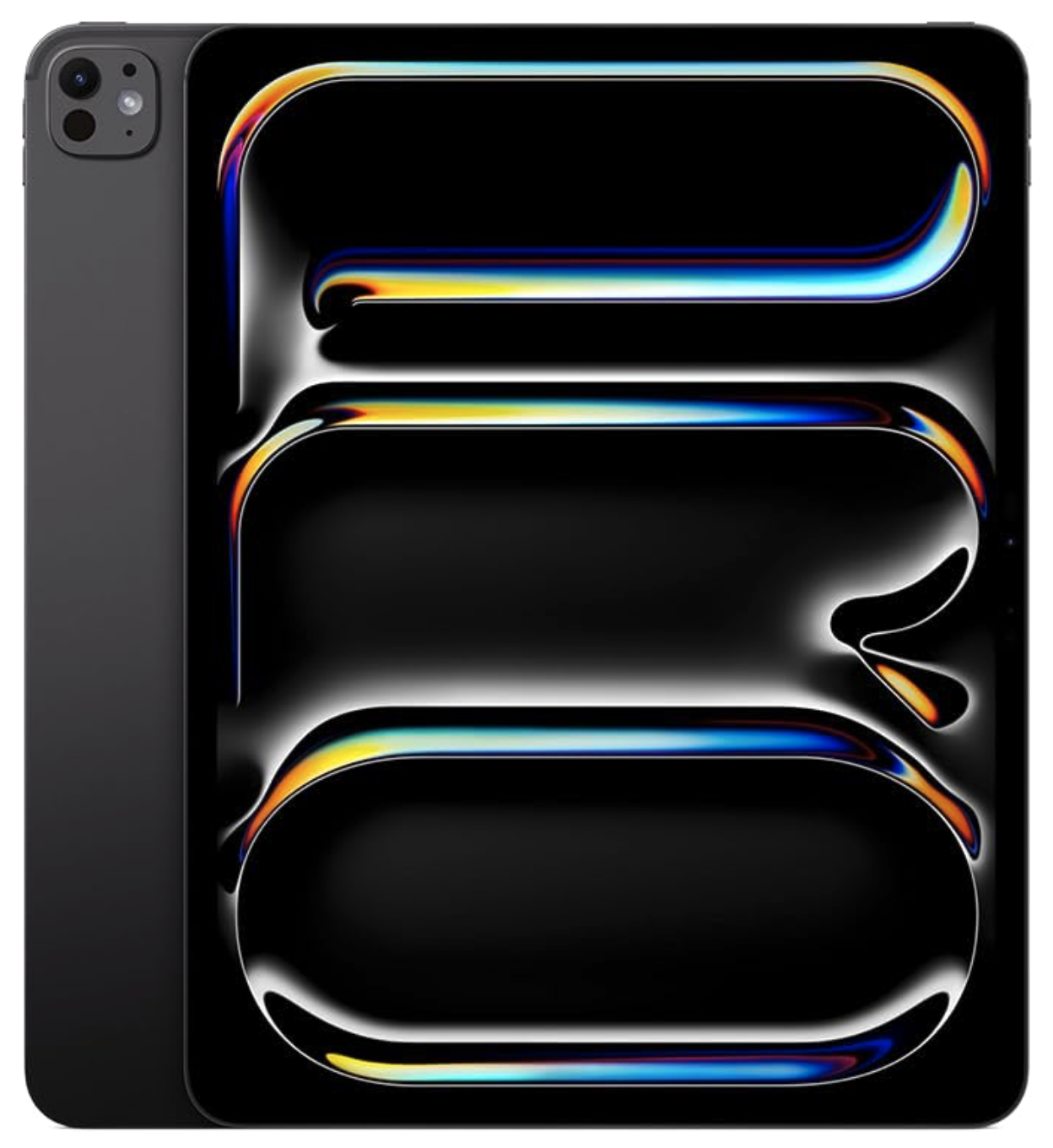
iPad Pro 13-inch M5 chip
If you’ve been using an iPad for years, you may want to upgrade to the most recent model, released in 2025. It has a gorgeous 13-inch Ultra Retina XDR display and the extremely powerful M5 chip.
This model also features advanced cameras with a landscape 12MP Center Stage Camera and a 12MP Wide camera with adaptive True Tone flash.Audio features include four studio-quality microphones and a four-speaker audio system.
Apple Products and Accessories
-

Apple Pencil Pro
The Apple Pencil Pro elevates your experience with the Apple iPad in so many ways. It’s great for handwriting notes, adding your signature to documents, annotating and highlighting PDF files, and having fun with digital drawing and painting
Apple Pencil Pro is compatible with:
iPad Pro (M5 chip) 13-inch
iPad Pro (M5 chip) 11-inch
iPad Pro 13-inch (M4)
iPad Pro 11-inch (M4)
iPad Air 11-inch (M2 and M3)
iPad Air 13-inch (M2 and M3)
iPad Air 13-inch (M2)
iPad Air 11-inch (M2) -
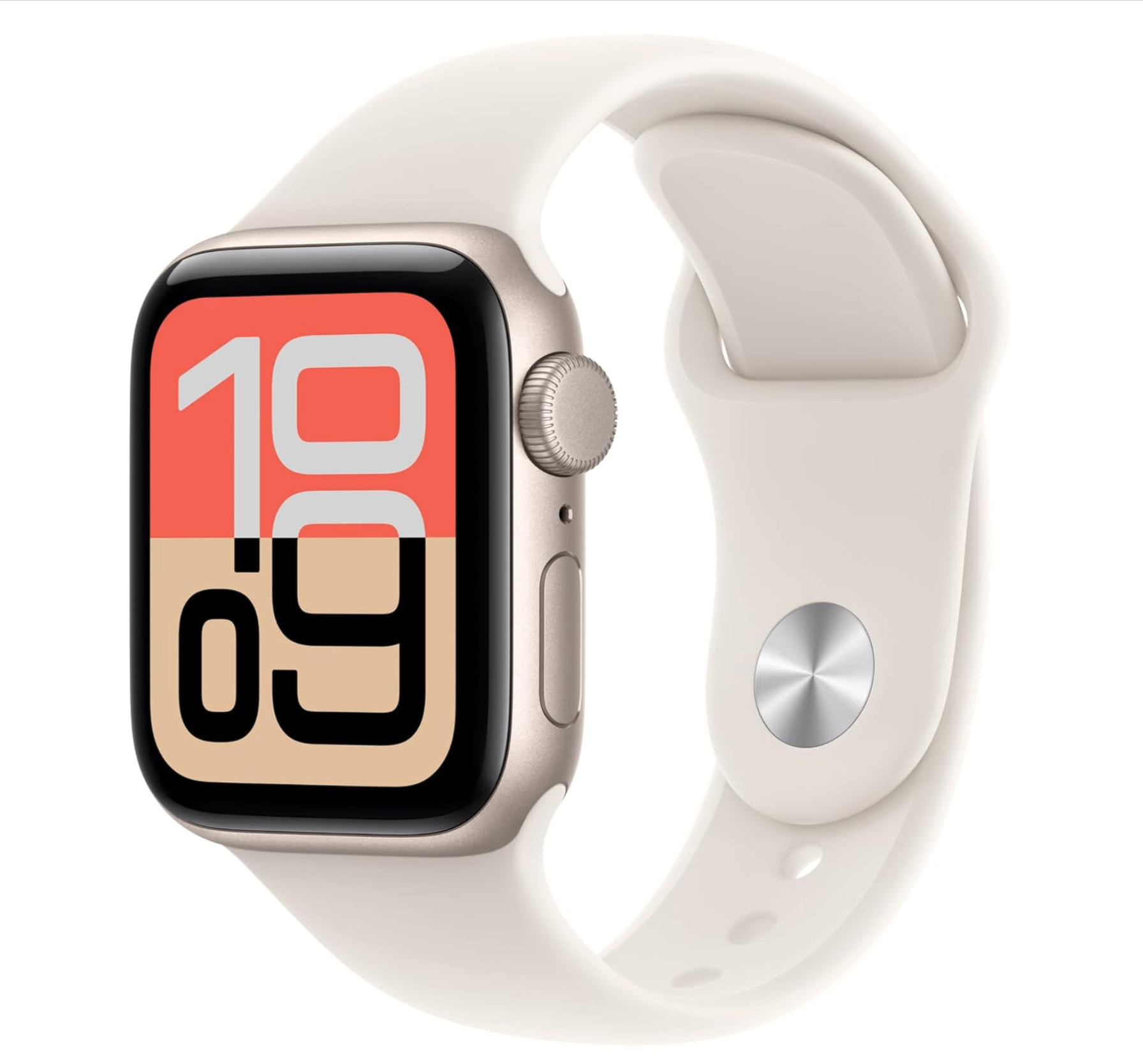
Apple Watch SE 3
This model of the Apple Watch is a little more economical, with fewer bells-and-whistles than the Apple Watch Series 11. But, it has all of the essential features you need to monitor your health, activities and safety.
Speaking of safety, in addition to the Fall Detection and Crash Detection features built into watchOS, I highly recommend adding cellular capability to your watch. If you ever need assistance, you can make a phone call from your wrist anywhere, anytime. Now, that’s peace of mind.
This watch as the smallest case (40 mm), for those with smaller wrists.
-
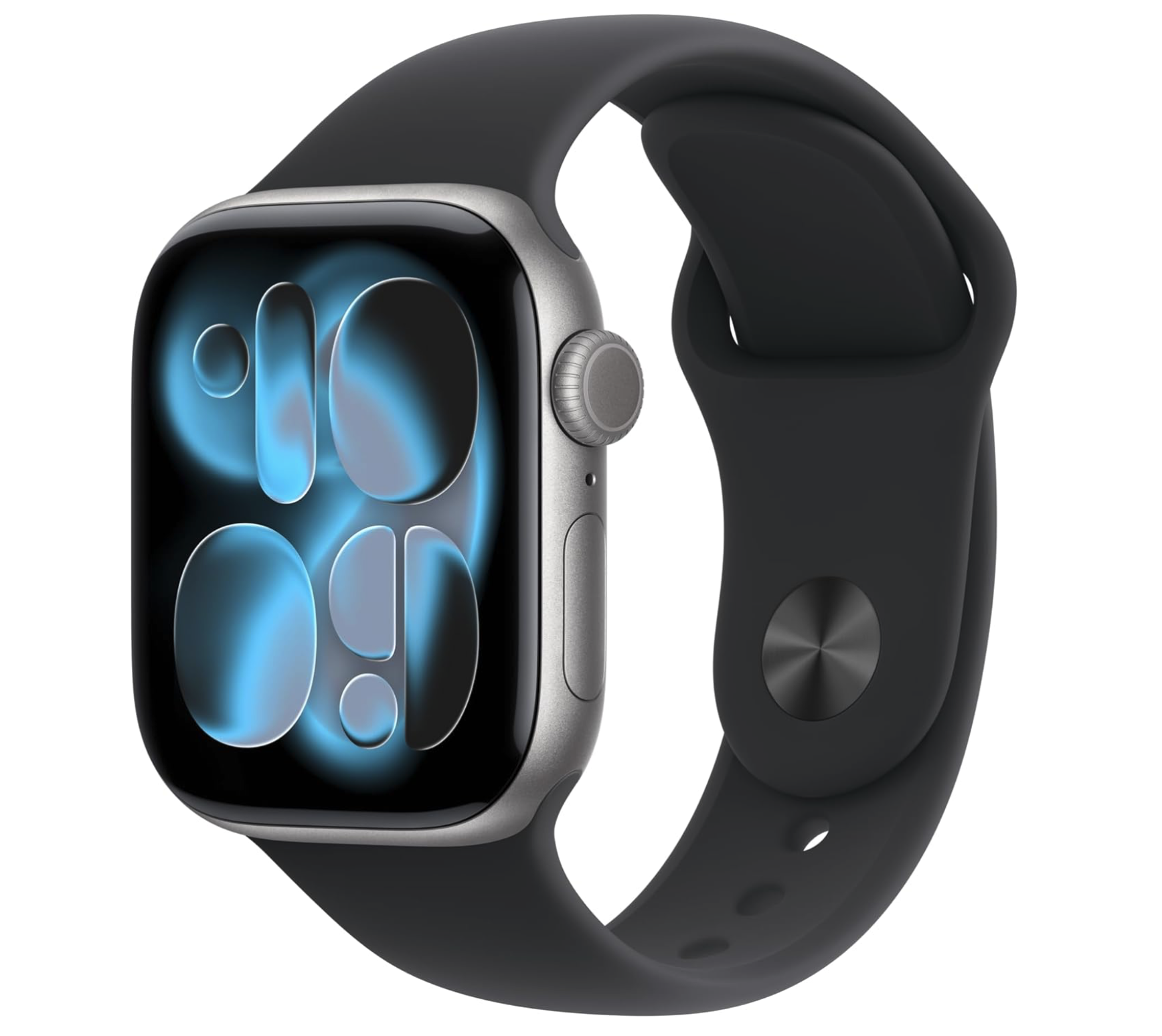
Apple Watch Series 11
Apple Watch Series 11 is the most recent model. Along with its features that monitor your health, activities and safety, this model with WatchOS 26.1 can spot chronic high blood pressure, help you track the quality of your sleep (including sleep apnea notifications), take an ECG, and get notifications for high or low heart rate and irregular rhythm.
The Apple Watch is a powerful fitness partner, helping you track your steps, workouts, and other fitness metrics.
Adding cellular capabilities to your Apple Watch means that you can send a text, make a call, download music and podcasts and connect to emergency services all without your iPhone nearby.
Apple Products and Accessories
-

iMac
All-in-one desktop computer, 24-inch screen. I recommend the model with 4 Thunderbolt ports and 512 Gigabytes of storage. Camera and audio are included in the design. I would suggest getting a full size bluetooth keyboard with touch ID instead of the smaller keyboard.
-
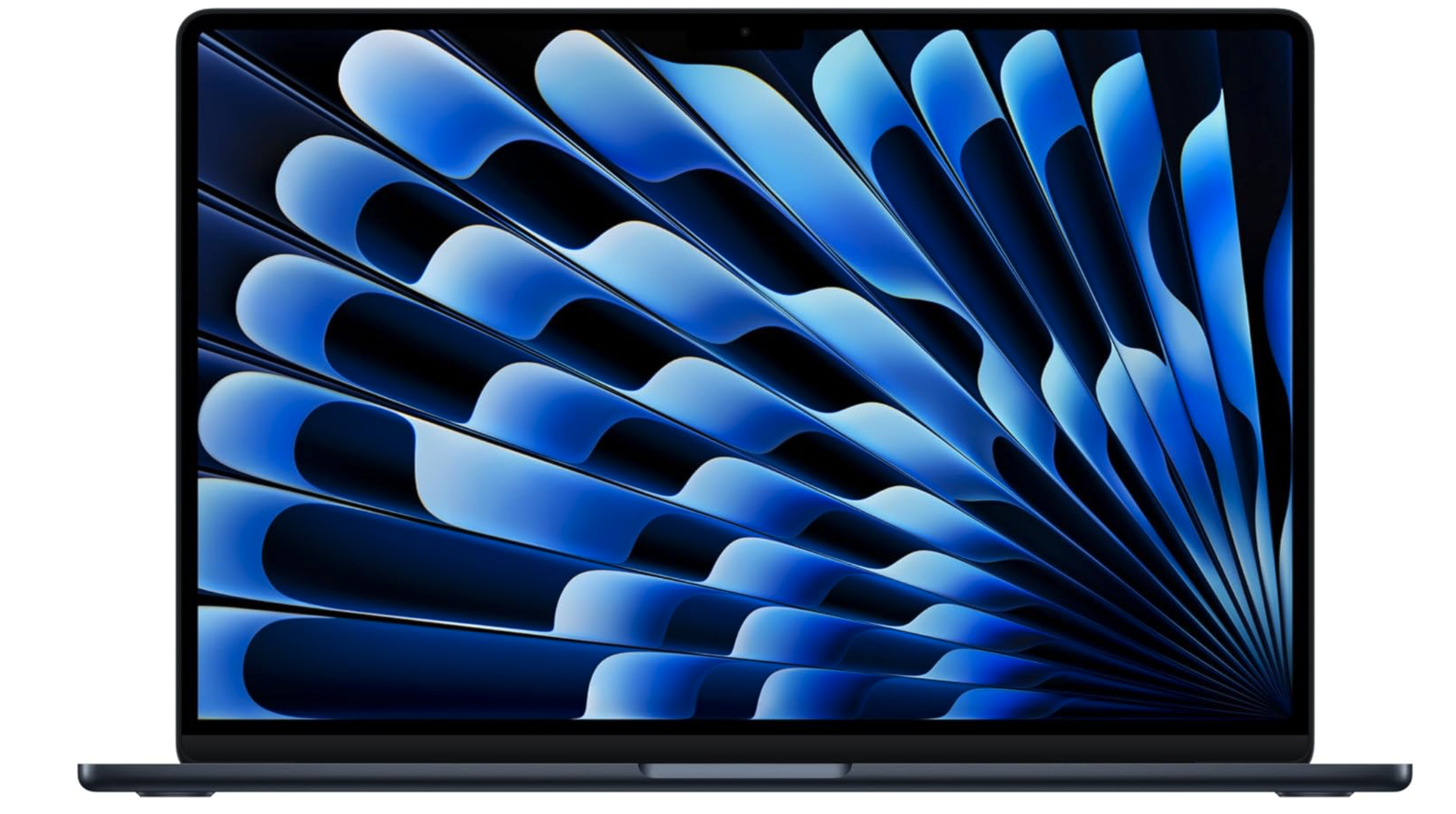
MacBook Air
In Oct 2025, Apple released an M5 MacBook Pro in 14-inch and 16-inch sizes. However, the MacBook Air has always been a popular model if you need a portable computer without all of the extra bells and whistles.
This link is for a 2025 15-inch MacBook Air with the M4 chip and 512 GB of SSD storage. -
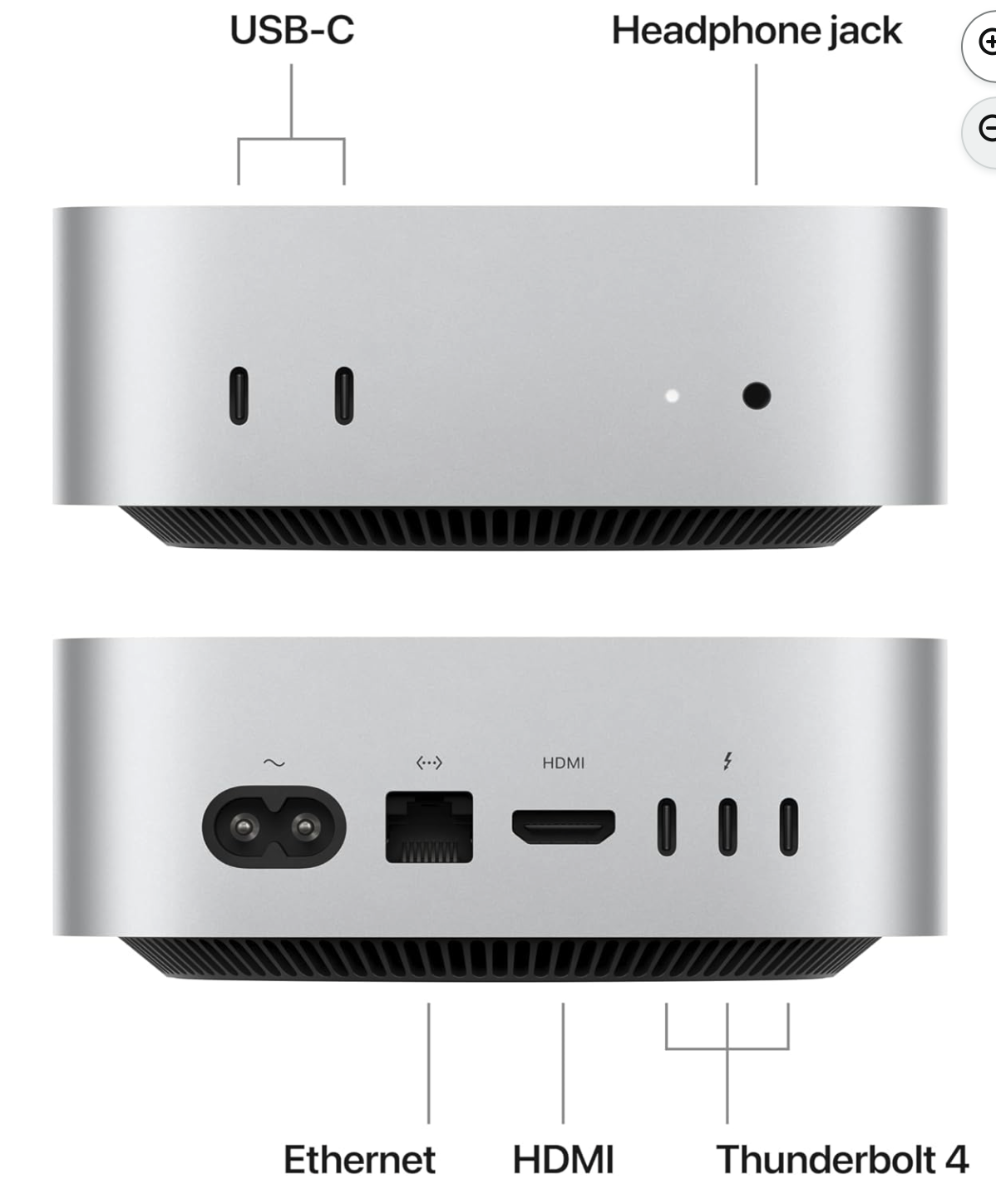
Mac mini
The least expensive way to get a computer from Apple is to purchase a Mac mini, which is basically the “tower” we used to have with other desktop computers. This hardware device can be connected to an existing 4K (or lower resolution) TV in your home via the HDMI port. The HDMI port carries data and audio. All you need to add is a keyboard and mouse and you are on your way!
This is the 2024 Apple Mac mini with an M4 chip and 512 GB of SSD storage.
Turn your Mac mini or laptop into a desktop by adding a 4K TV, keyboard, and mouse
One of the best ways to improve your experience, productivity and creativity is to add a large 4K monitor to your workspace. I think a 32” (measured diagonally) 4K TV is the best option in terms of cost/size. A larger screen eliminates eye strain, allows you to have multiple windows open at the same time, and helps you move text, web links, photos, videos, and documents easily among them. It is such an enjoyable experience to edit your photos and videos on a big, colorful screen. The TV needs to have at least one HDMI port (2-3 HDMI ports would be better). A full size bluetooth keyboard (with Touch ID), and a bluetooth mouse are the basic needs. You’ll need a webcam to attach to your 4K TV monitor for Zoom or FaceTime videochats. If you have a limited number of ports on your Mac, connecting your peripherals to a USB-C hub makes it easy to move from a desktop setting to portable. Unplug one cable and you are on your way!
-
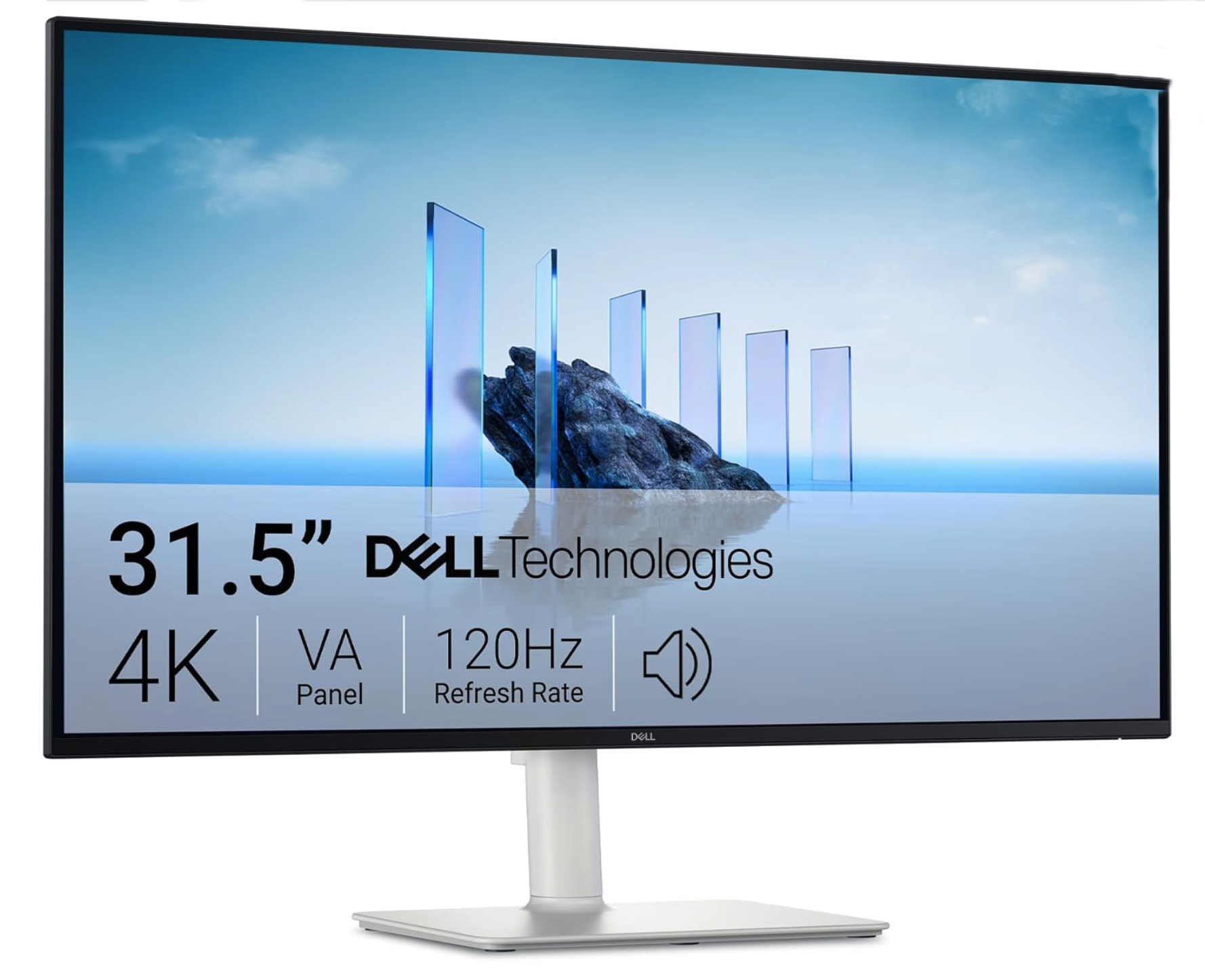
4K Television / Computer Monitor
You’ll need a monitor for your Mac mini. It can be attached to any of your existing TV screens in your home (most have at least one HDMI port). However, if you’d like to have a dedicated monitor, I’d recommend a 4K Television with a 32” - 55” screen. The Dell 32 Plus model S3225QS is the perfect size for a desktop and beautiful 4K (3840 × 2160 resolution) screen to work with your beautiful photos and videos.
If you own a MacBook Pro or MacBook Air, this 4K TV provides lots of room to work with multiple applications / windows in a large view that won’t strain your eyes.
-
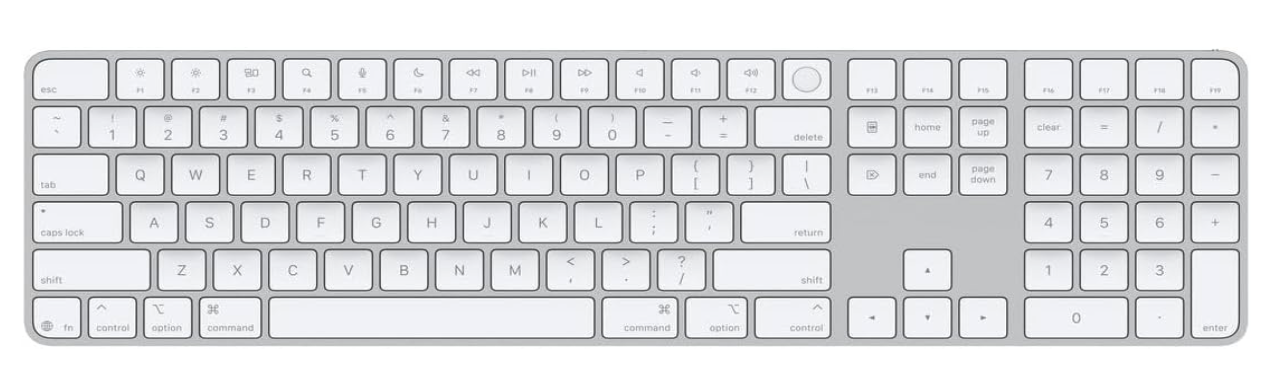
Apple Magic Keyboard with Touch ID and Numeric Keyboard
If you have a Mac with a Silicon chip (M1 - M5), then this full size keyboard will be compatible with it. This keyboard has a Touch ID button to make it easy to authenticate settings, online purchases, etc. I find it faster to type on the full size keyboard and the numeric keyboard makes it easier to work with accounting and spreadsheet data entries.
-
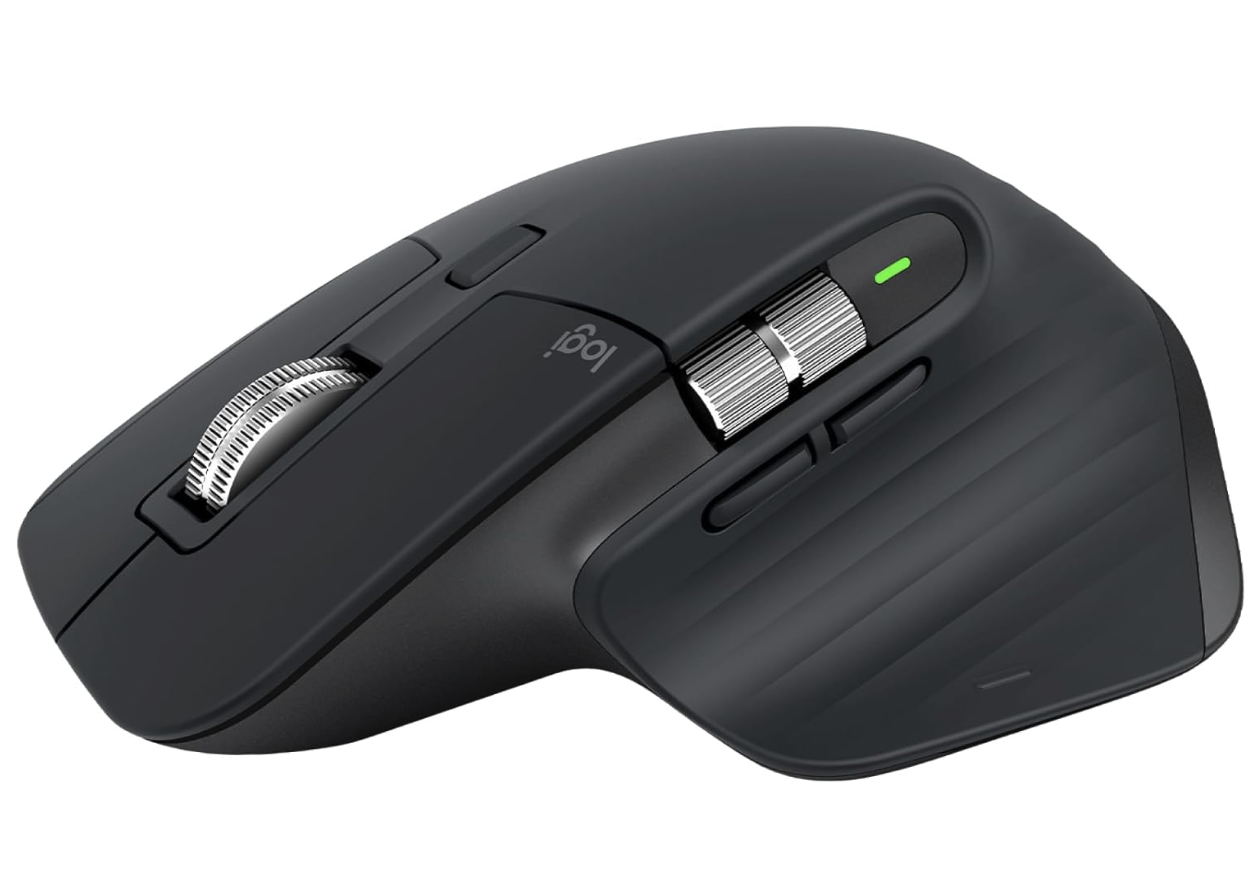
Logitech MX Master 3s Mouse
The Logitech MX Master 3S is the most comfortable, responsive and precise mouse I have ever used. It can connect with up to three devices and switch between them with the touch of a button. Speaking of buttons, there are many customizable buttons you can configure on this mouse. It is by far one of the most important tech tools on my desk.
-
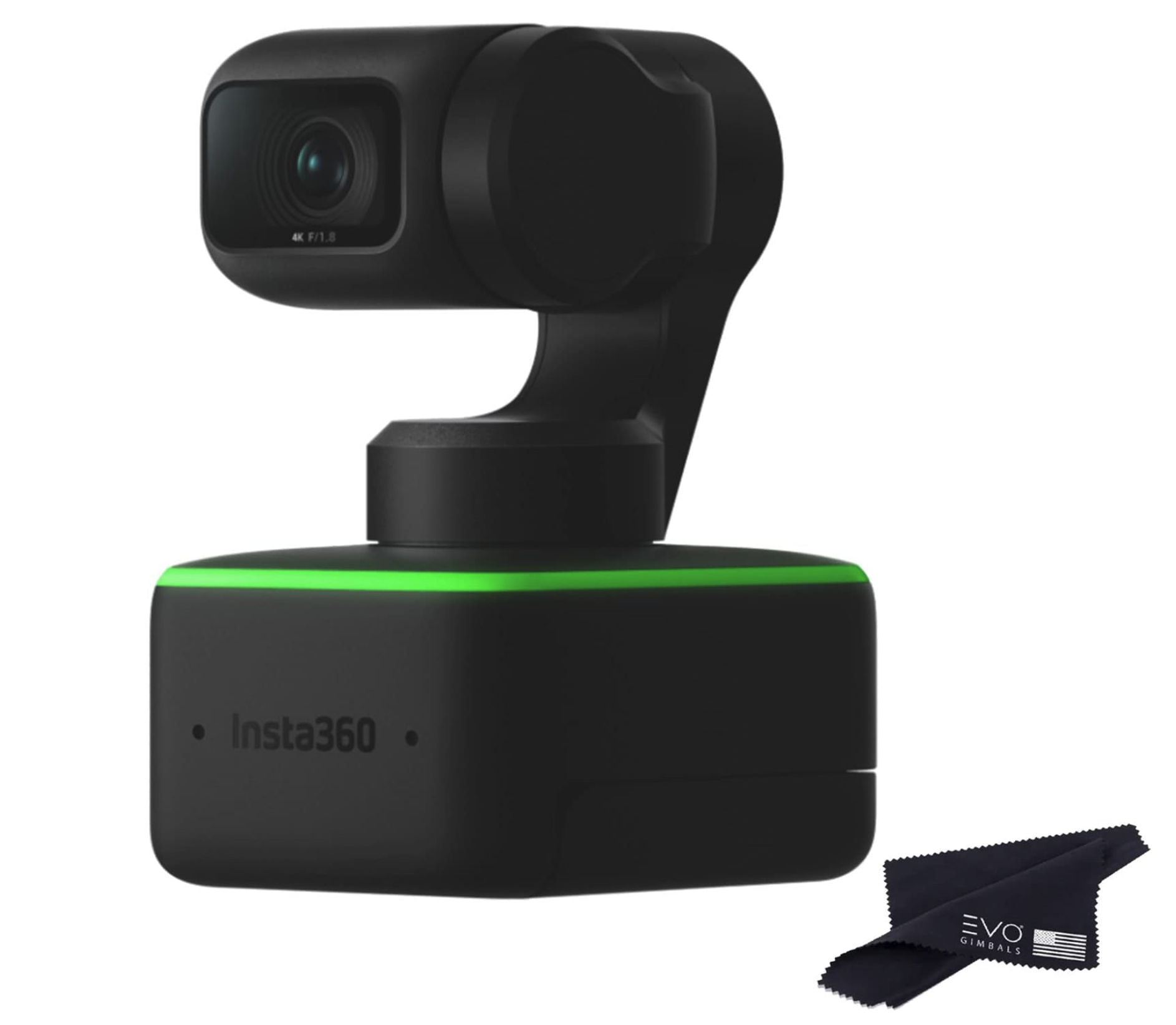
Insta360 Link - 4K Webcam
4K Resolution Ultra HD resolution for a crystal-clear picture. Link's impressive 1/2" sensor captures life-like detail and excellent dynamic range, while HDR mode perfectly balances the highlights and shadows in your image. Link shoots in totally uncropped 9:16 by rotating its gimbal head, which is perfect for viewing on a phone. DeskView Mode Simply mount Link to your computer screen, toggle on DeskView mode and let it automatically adjust to show your tabletop.
-
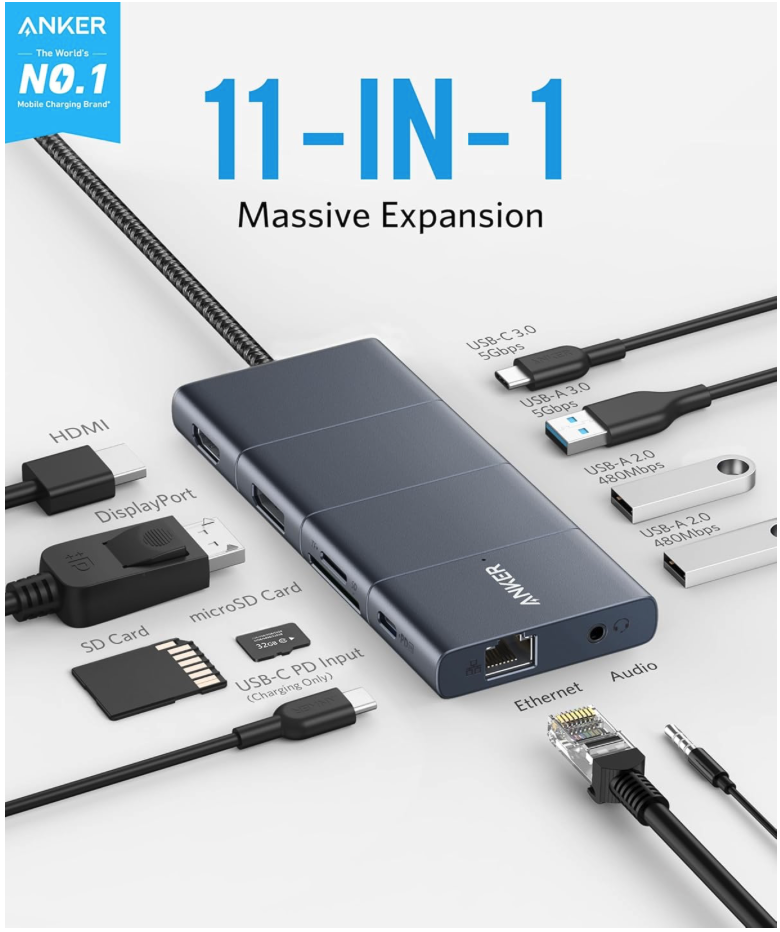
Anker USB-C Hub, 11-in-1 Docking Station
Huge 11-Port Expansion: Equipped with a USB-C Power Delivery input port, an HDMI port, a DisplayPort, 1 USB-C data port, 3 USB-A ports, 1 Ethernet port, an AUX port, an SD card slot, and a microSD card slot.
Multi-Monitor Display: The HDMI port and the DisplayPort both support a single-monitor display of up to 4K@60Hz. Connect to both simultaneously to enjoy crystal-clear streaming or mirroring across 2 displays at up to 2K@60Hz.
Pass-Through Charging: Supports up to 100W (minus 15W for operation) pass-through charging so you can power up your laptop while accessing the hub’s other functions. Pass-through charging requires a charger (not included).
Transfer Files in Seconds: Connect your thumb drive or external hard drive to either the USB-C data port or the USB-A 3.0 port to transfer files at up to 5 Gbps. goes here
-
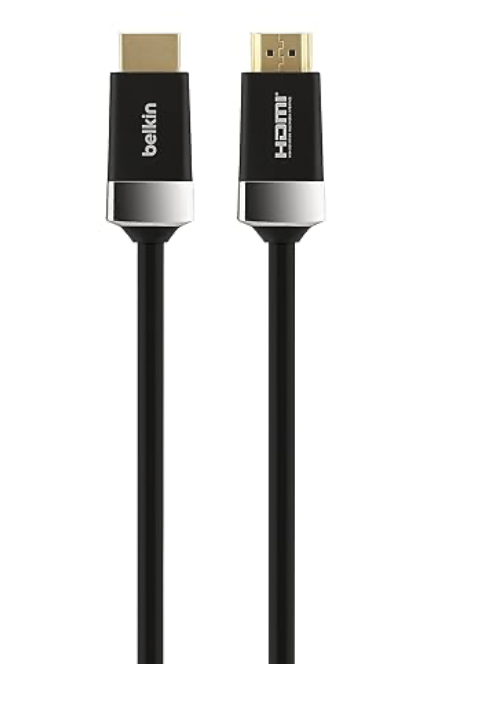
Belkin 6.6 ft. HDTV High-Speed DHMI Cable
VERSATILE CONNECTIVITY: With the Belkin HDTV High-Speed HDMI Cable, you can easily browse the internet, stream high-definition audio and video, share photos, and display presentations on your 4K TV, projector, or monitor without lag or interference.
BROAD COMPATIBILITY: Seamlessly connect your 3D/SmartTV equipment, Mac, MacBook, laptops, Ultrabooks, AV components, media players, and gaming consoles to your HDTV. Ideal for gaming, streaming, or home theater setups.
HDMI TO HDMI CONNECTION W/ 4-PIN MINI-DIN: Features an HDMI (male) to HDMI (male) connection, along with a 4-pin Mini-DIN connector, ensuring reliable, high-speed data transfer for enhanced picture quality and sound performance in all your devices.
TRIPLE SHIELDED FOR SIGNAL INTEGRITY: The cable is triple shielded to protect against interference and maintain signal quality, ensuring a stable, uninterrupted connection for crystal-clear video and audio, even in busy electronic environments.
SUPPORTS 4K & ULTRA HD RESOLUTIONS: Experience ultra-high-definition 4K and HDR content at optimal clarity, along with full compatibility for 3D video and a data transfer rate of 18Gbps, making it perfect for the latest home theater and gaming setups.